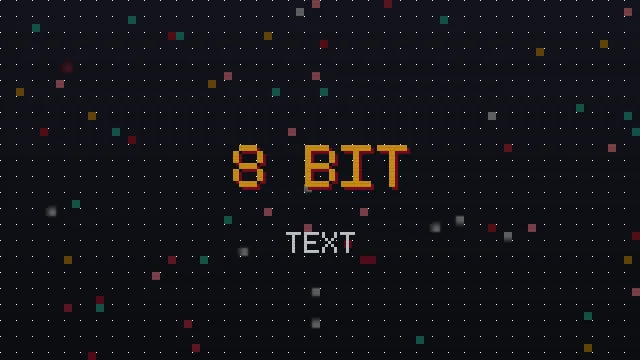
The phrase 8-bit text generator copy and paste gets typed into search boxes thousands of times a day, usually by someone who wants their words to look like a classic console screen. The term is a little loose, though, and knowing what 8-bit really means helps you get a result you are happy with. This guide unpacks the look and shows how a text generator captures it.
What 8-Bit Actually Refers To
Strictly, 8-bit describes early game hardware that could only push a limited palette and low resolution, which forced lettering to be built from a small grid of chunky pixels. Over time, 8-bit stopped being a technical spec and became a visual style: blocky, low resolution, unapologetically square. When people ask for an 8-bit text generator, they mean that square, tiled look, not literal hardware.
Why The Grid Is The Star
The charm of 8-bit lettering comes from the visible grid. Each letter is clearly made of squares, with hard edges and no smooth curves. Any tool that wants to feel 8-bit has to preserve that blockiness rather than smoothing it away.
How A Text Generator Gets Close
A copy and paste generator cannot literally render a pixel grid, because it is working with characters, not drawings. What it can do is pick Unicode characters that already carry a blocky, tiled feel: solid squared letters, filled block characters and boxed glyphs. Paste those together and the effect reads as 8-bit even though each piece is a single character.
The Pixel Font Generator includes several of these. The Pixel Block and Pixel Tile styles use squared characters that sit closest to the classic look, while wide and mono styles give a softer retro feel.
When A Real Pixel Image Is Better
Copy and paste is perfect for chat, bios and quick labels. But if you need a true pixel title for a game screen, a poster or a logo, a rendered image or a real pixel font file will always beat character tricks. With an image you control the exact grid, colour and size, and you are not limited to the characters Unicode happens to provide.
Choosing Between Them
| You want to | Best route |
|---|---|
| Style a Discord or chat name | Copy and paste block style |
| Add a retro caption to a bio | Copy and paste block or wide style |
| Make a game title or poster | Real pixel font file or image |
| Build a website heading | Pixel typeface via CSS |
Getting The Most From Block Styles
Block styles look strongest as short, punchy words. Long sentences in solid squares become a wall that is hard to read. Keep it to a name, a title or a two word phrase, add a little letter spacing for that arcade marquee feel, and the 8-bit character lands without tiring the eye.
In Summary
An 8-bit text generator gives you the blocky, tiled console look through carefully chosen Unicode characters, ready to copy and paste. Reach for capital letters and block styles for the most authentic feel, keep words short, and switch to a real pixel image when you need a genuine title. For the wider family of retro looks, see our retro style tour.